RAGFlow is an open-source RAG (Retrieval-Augmented Generation) engine based on deep document understanding. It integrates cutting-edge RAG technology with agent capabilities to create a superior context layer for lifecycle management (LLM). It provides a streamlined RAG workflow that can adapt to enterprises of all sizes. Powered by a fused context engine and pre-built agent templates, RAGFlow enables developers to transform complex data into high-fidelity, production-ready AI systems with exceptional efficiency and accuracy. To help you get the most out of RAGFlow, we have prepared a detailed tutorial — from environment setup to integrating with Myrouter, learn how to use RAGFlow in just 3 minutes!

1. Prerequisites

(1) Obtain an API Key

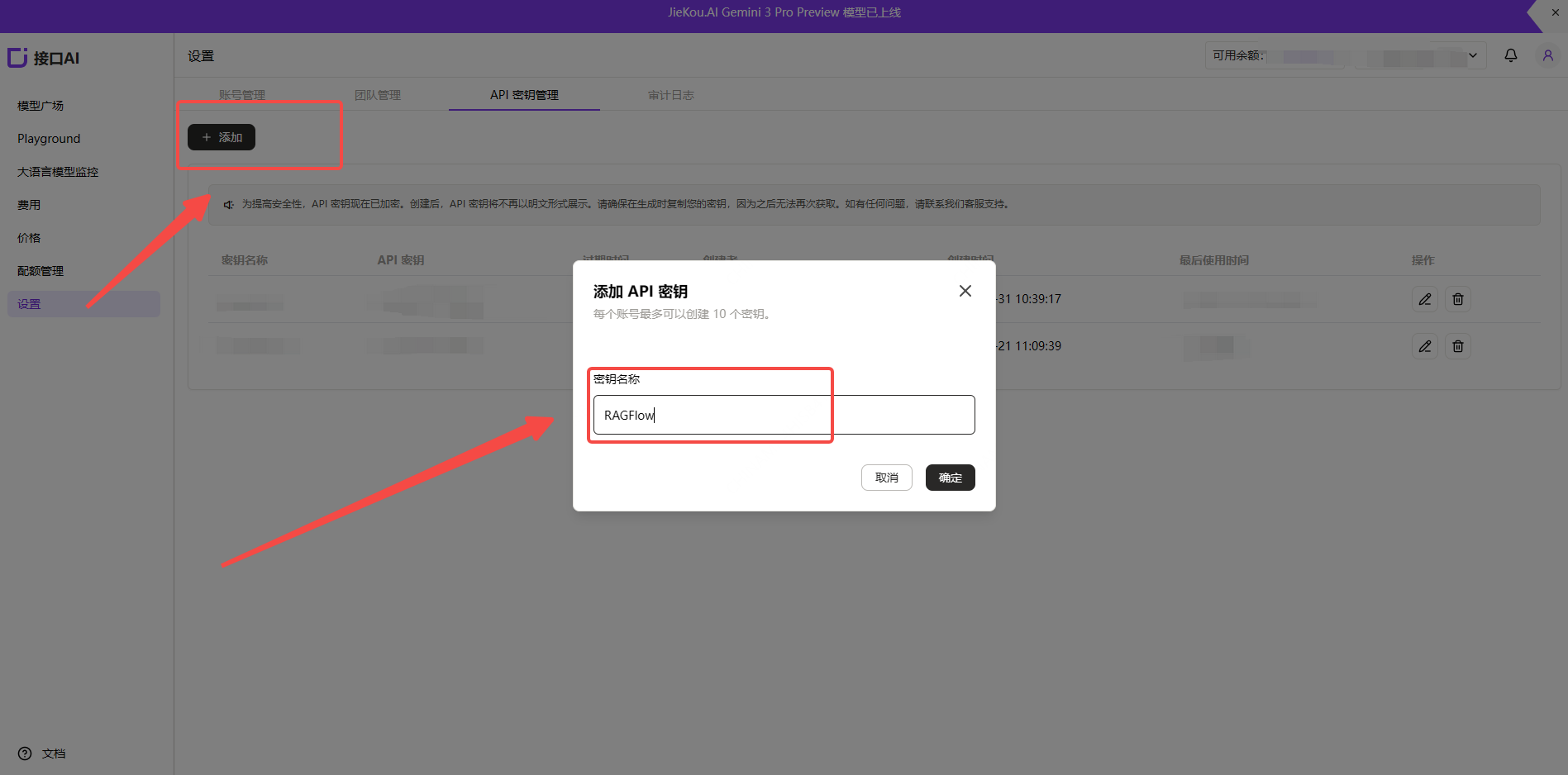
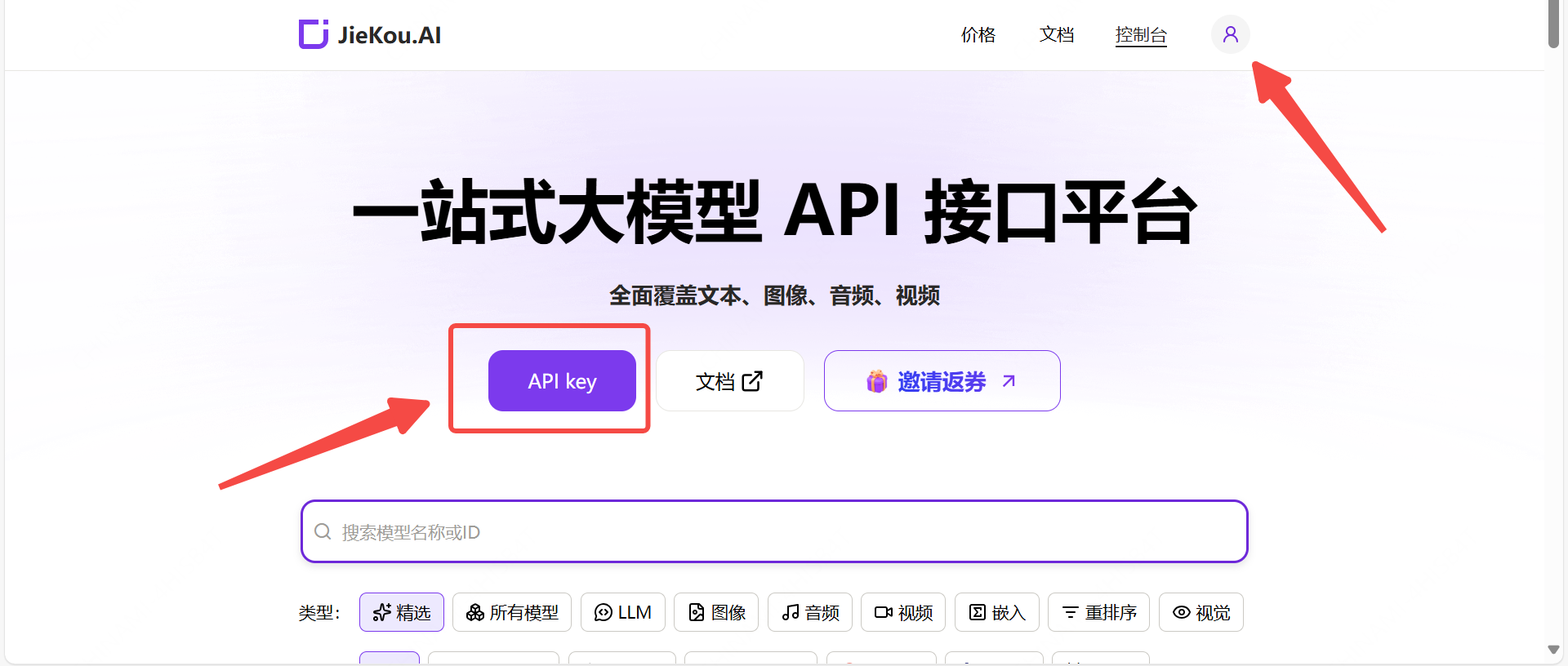
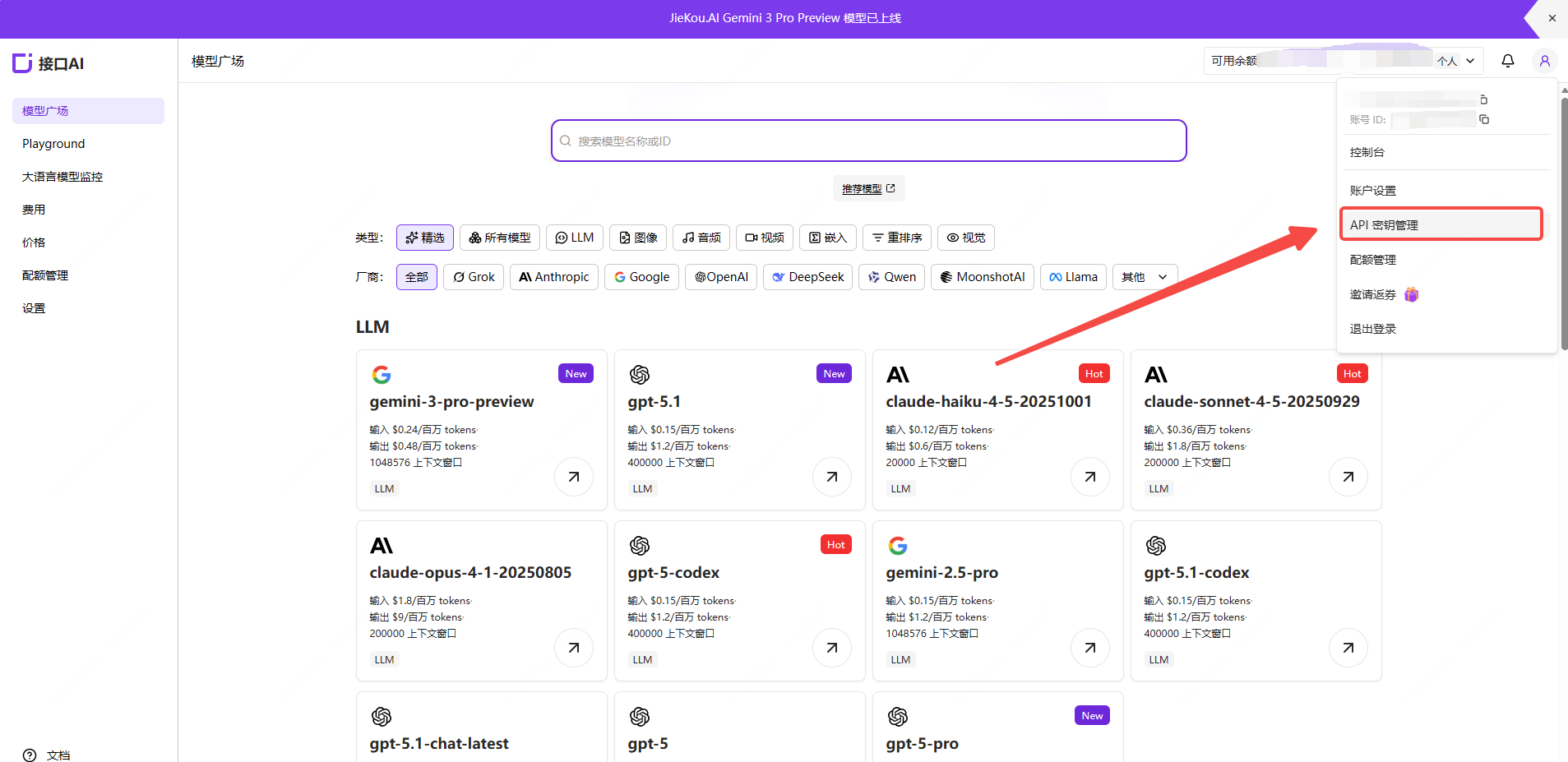
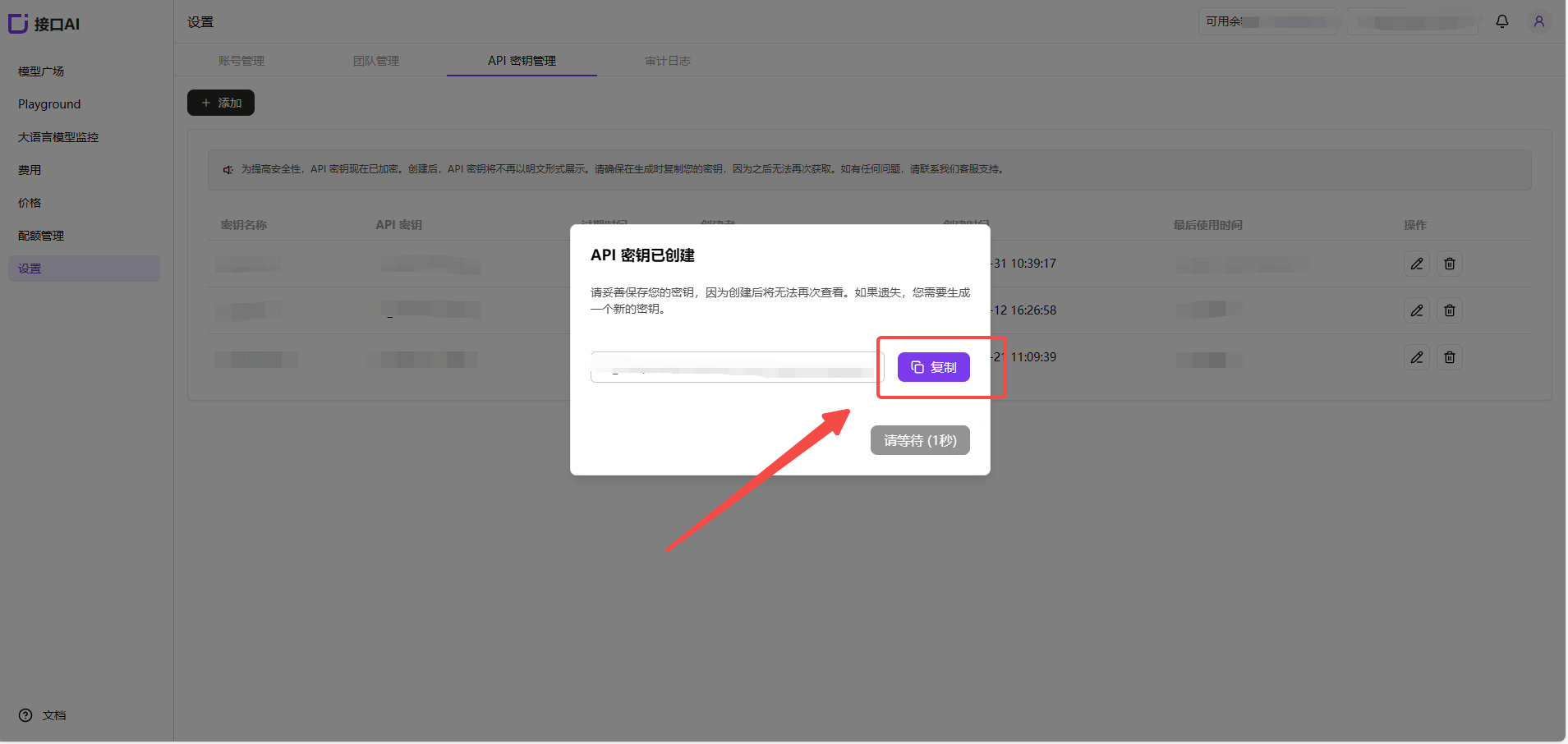
Register and log in to Myrouter. Enter invitation code [YGHNZ0] during registration to receive a $2 sign-up bonus. Example Image1 Open the [API Key] management page, click the Add button, enter a custom key name, and generate an API key. Example Image2 Example Image3
(2) Generate and Save the API Key

Note: The key is stored encrypted on the server and cannot be viewed again after creation. Please save your key securely. If lost, you will need to delete it from the console and create a new one. Example Image4
(3) Obtain the Model ID You Want to Use

Find the desired model in the Myrouter Model Hub and copy the model ID and base URL. Example Image5
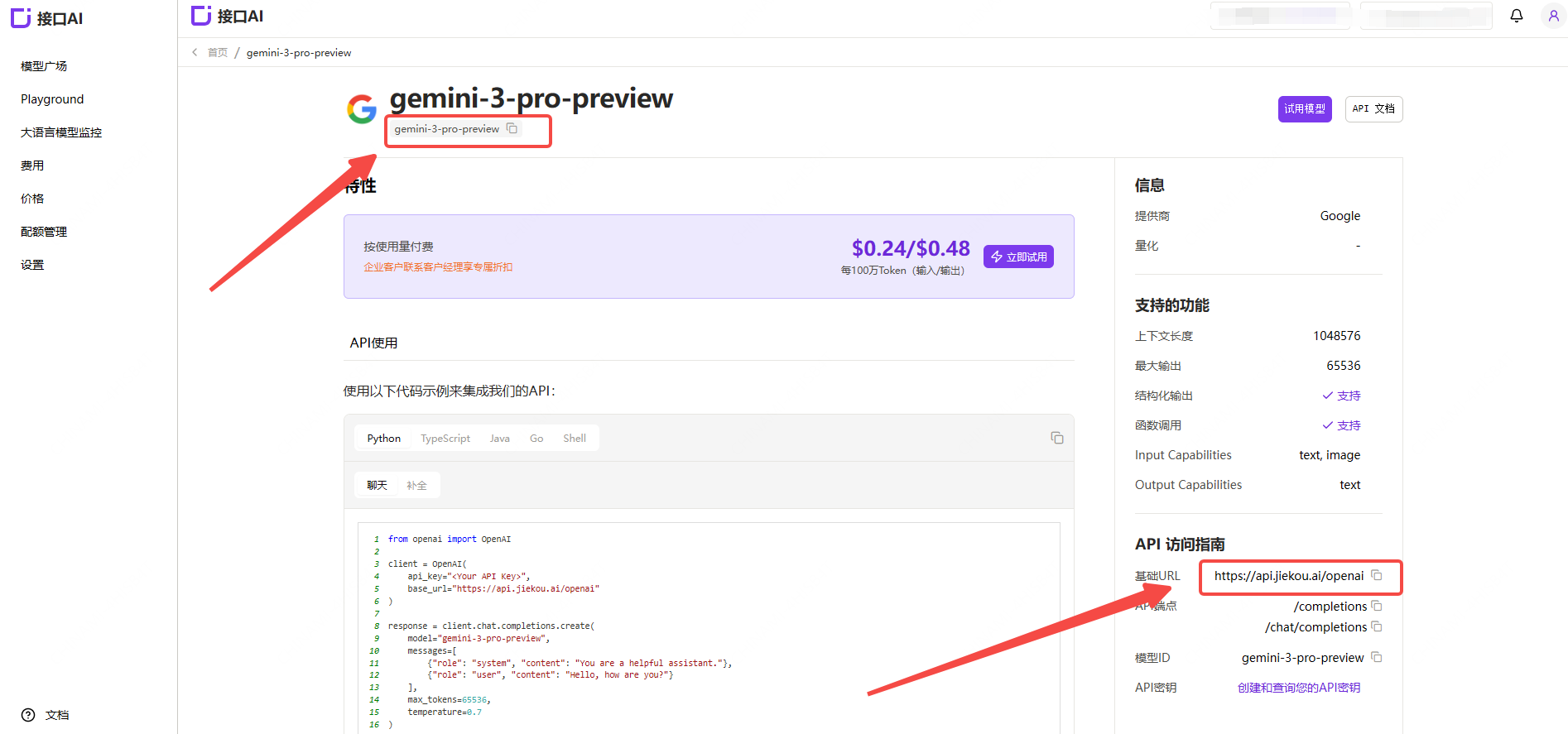
  • Gemini-3-pro-preview
  • Gemini-2.5-pro
  • Claude-sonnet-4-5
  • Gpt-5.1
  • Gpt-4o
For other model IDs, maximum context lengths, and pricing, refer to the Model Hub.

2. Adding and Configuring LLM in RAGFlow

(1) Visit the RAGFlow Official Website
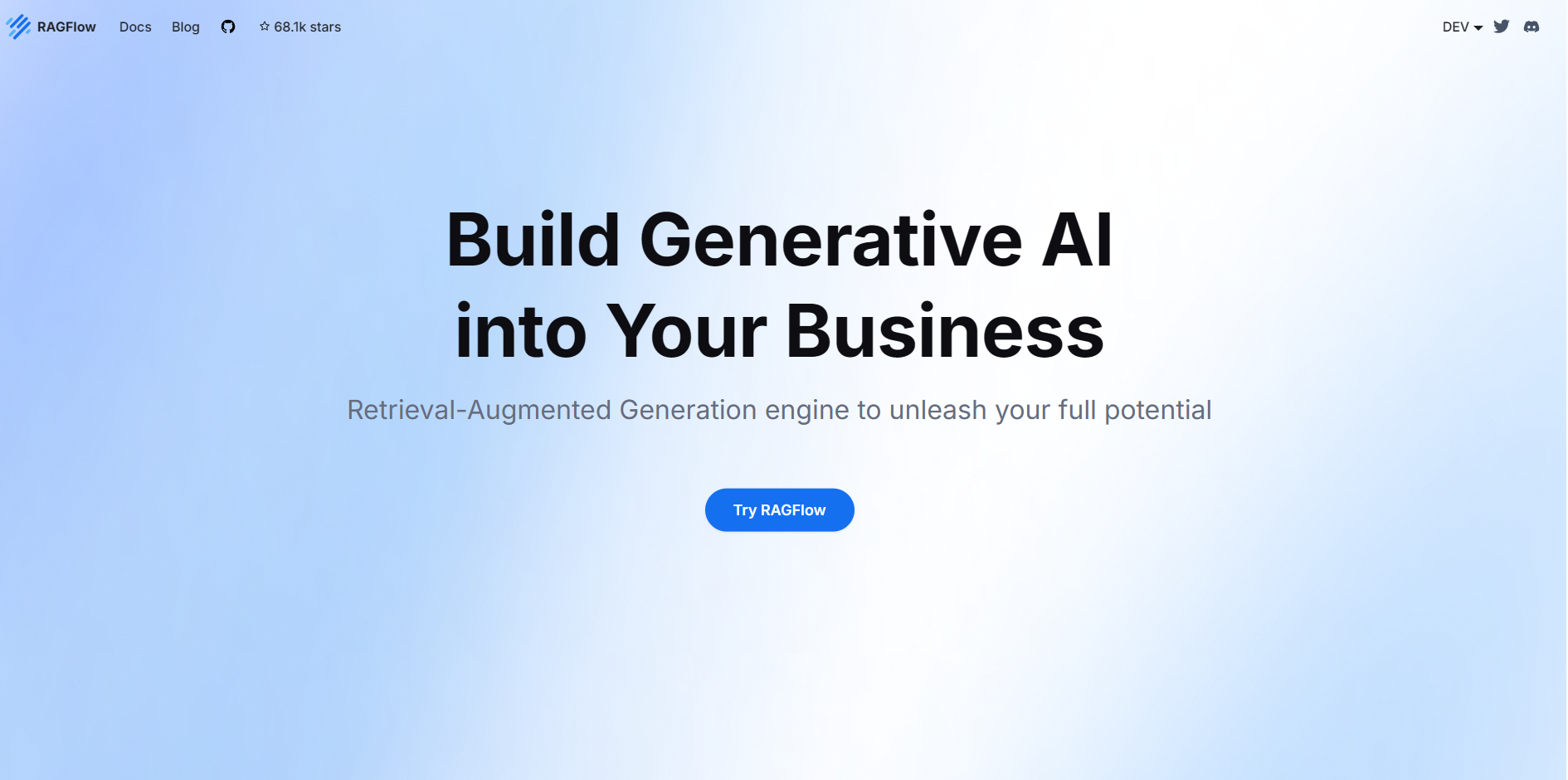
Example Image6

(2) Add a Model

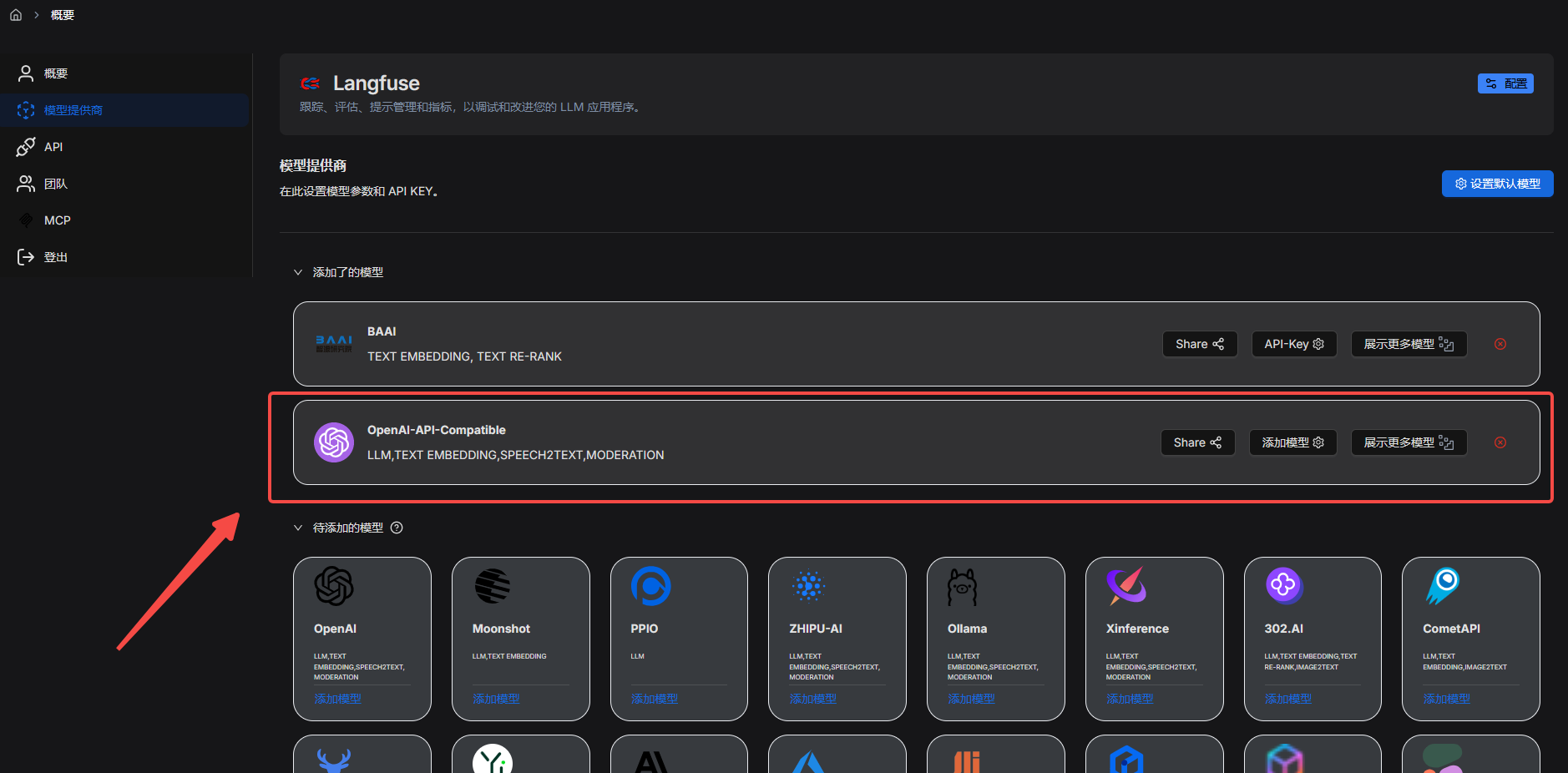
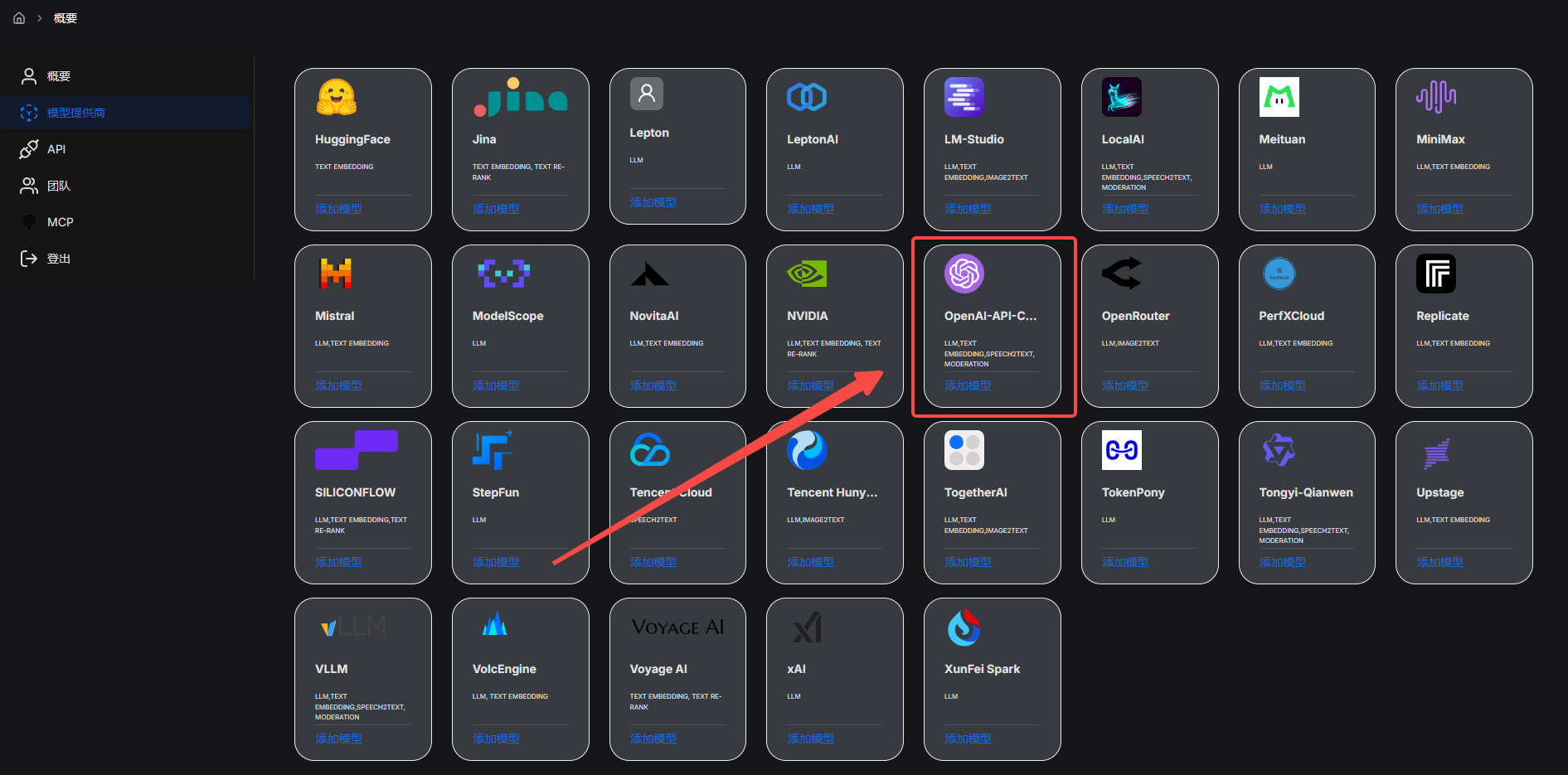
Select [Model Providers], find [OpenAI-API-Compatible], and click [Add Model]. Example Image7
(3) Fill in the Corresponding Configuration
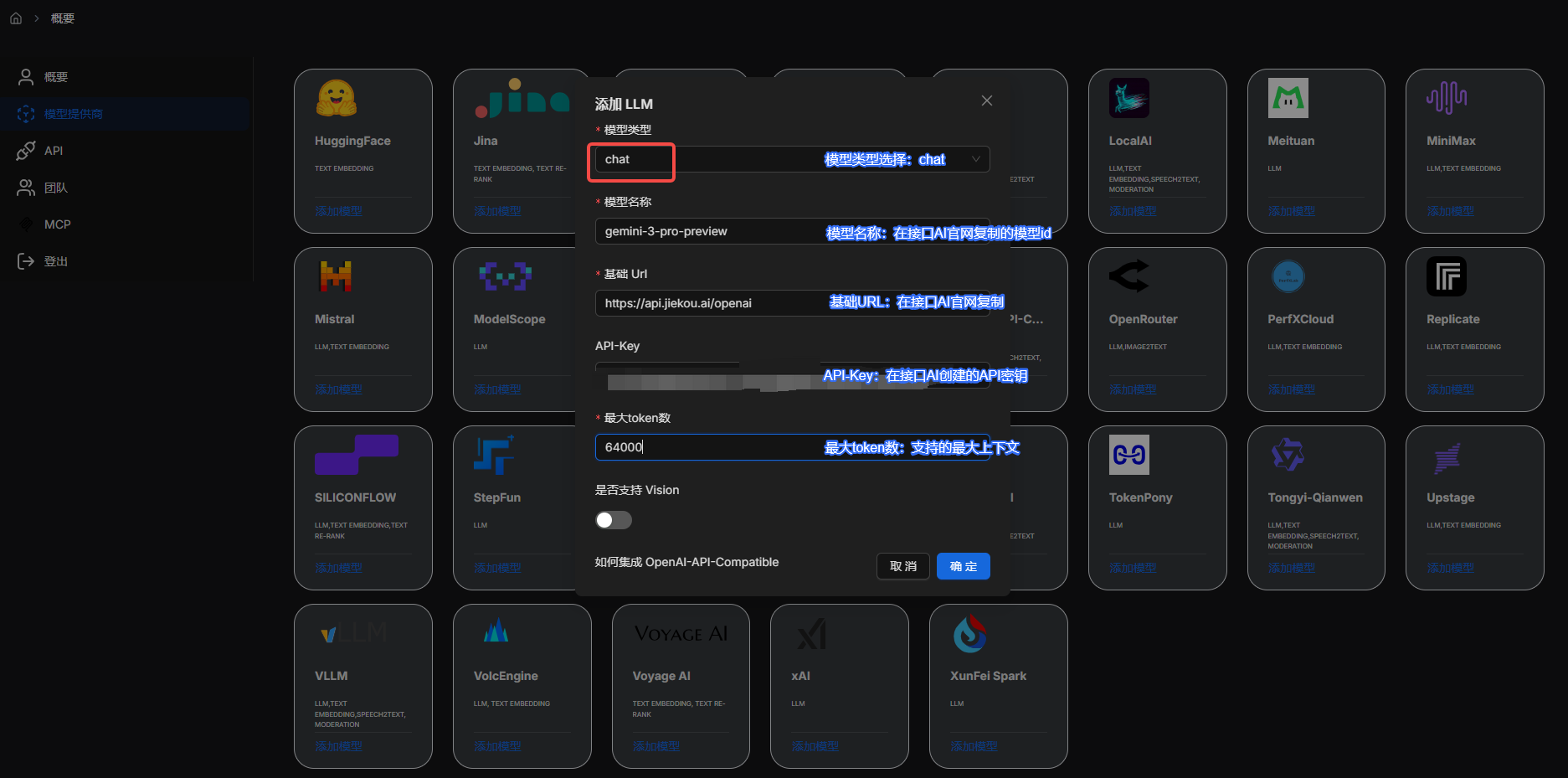
Example Image8

(4) Successfully Added

Example Image9 For more RAGFlow configuration options, refer to the RAGFlow Documentation.