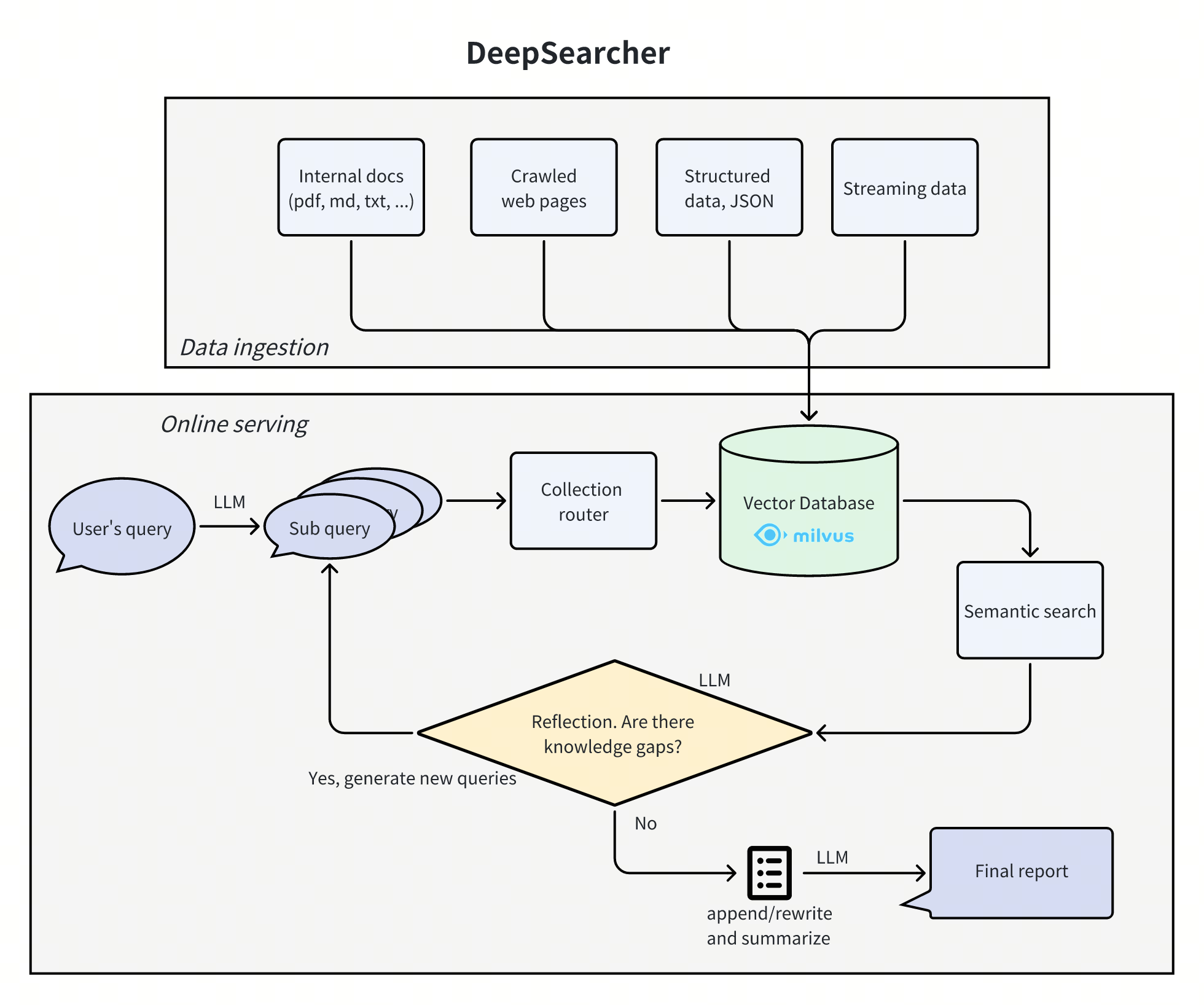
DeepSearcher combines cutting-edge LLMs (OpenAI o1, o3-mini, DeepSeek, Grok 3, Claude 4 Sonnet, Llama 4, QwQ, etc.) with vector databases (Milvus, Zilliz Cloud, etc.) to perform search, evaluation, and reasoning on private data, delivering highly accurate answers and comprehensive reports. Ideal for: Enterprise knowledge management, intelligent Q&A systems, and information retrieval scenarios. Example Image1

1. Obtain Myrouter Configuration Information

(1) Obtain an API Key

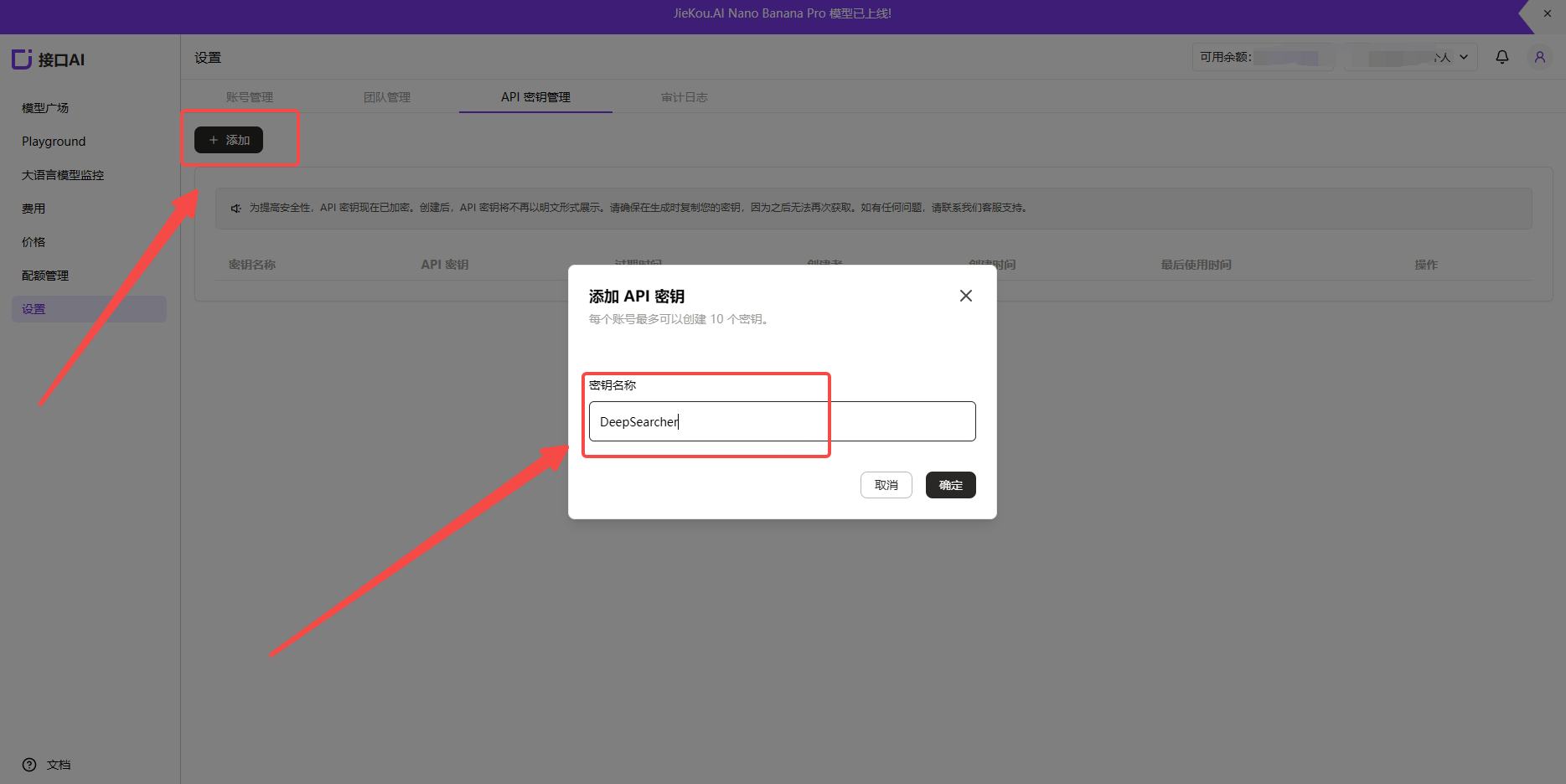
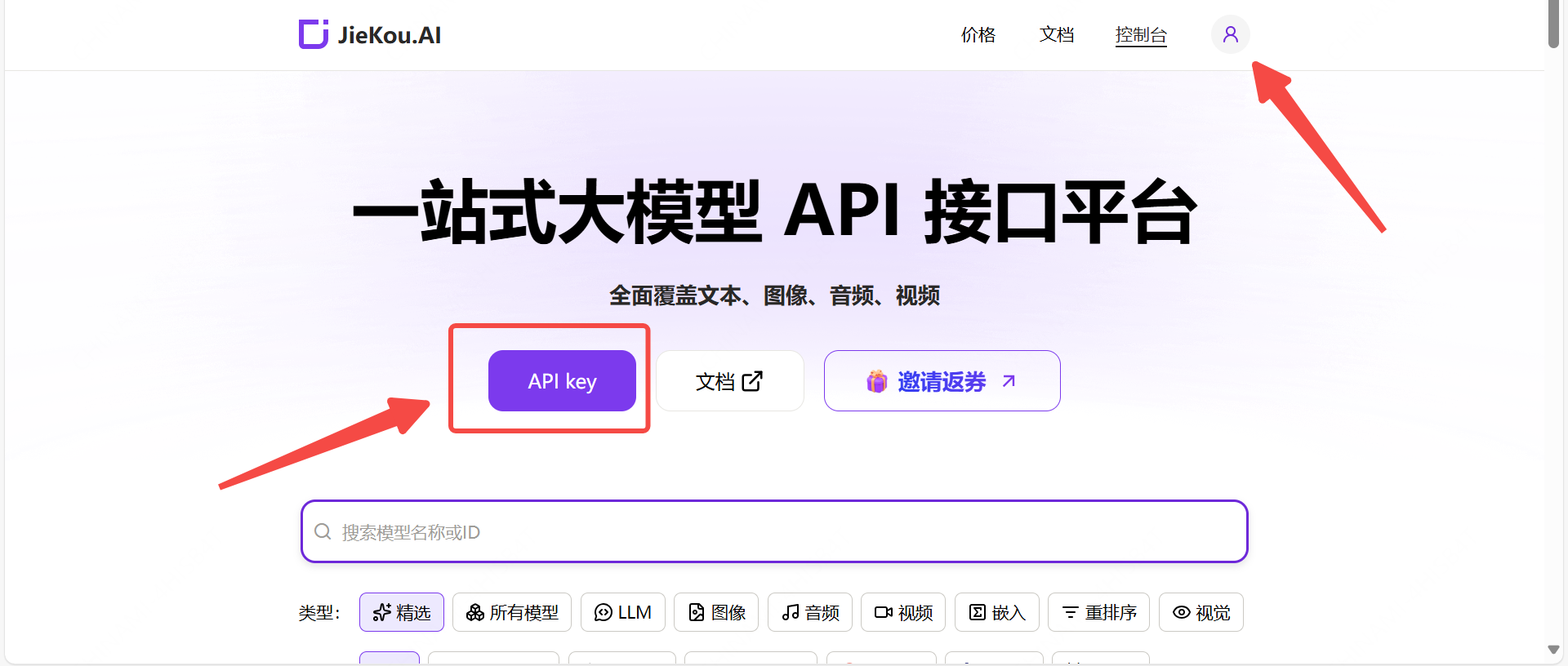
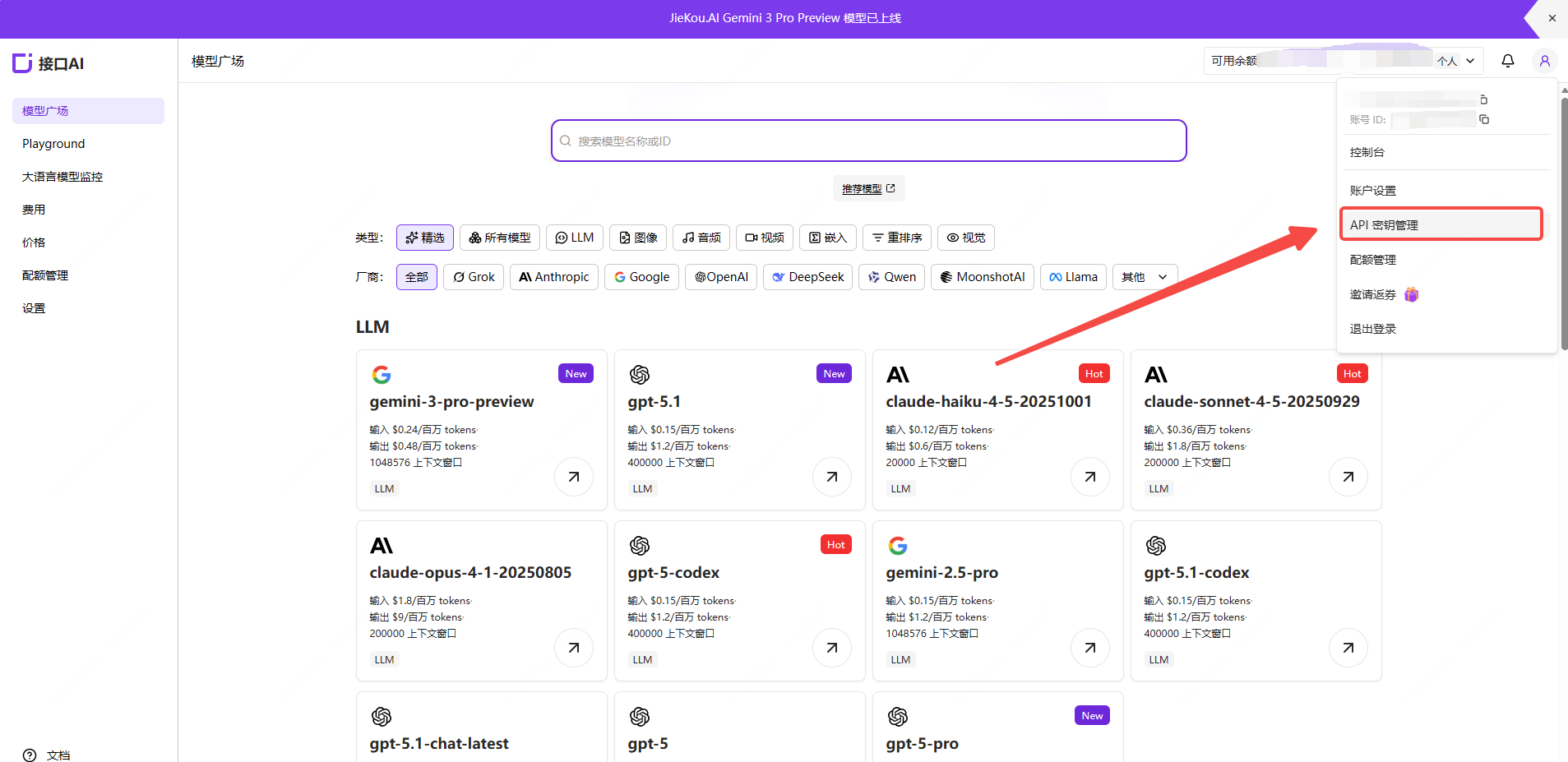
Register and log in to Myrouter. Enter invitation code [YGHNZ0] during registration to receive a $2 sign-up bonus. Example Image2 Open the [API Key] management page, click the Add button, enter a custom key name, and generate an API key. Example Image3 Example Image4
(2) Generate and Save the API Key

Note: The key is stored encrypted on the server and cannot be viewed again after creation. Please save your key securely. If lost, you will need to delete it from the console and create a new one. Example Image5
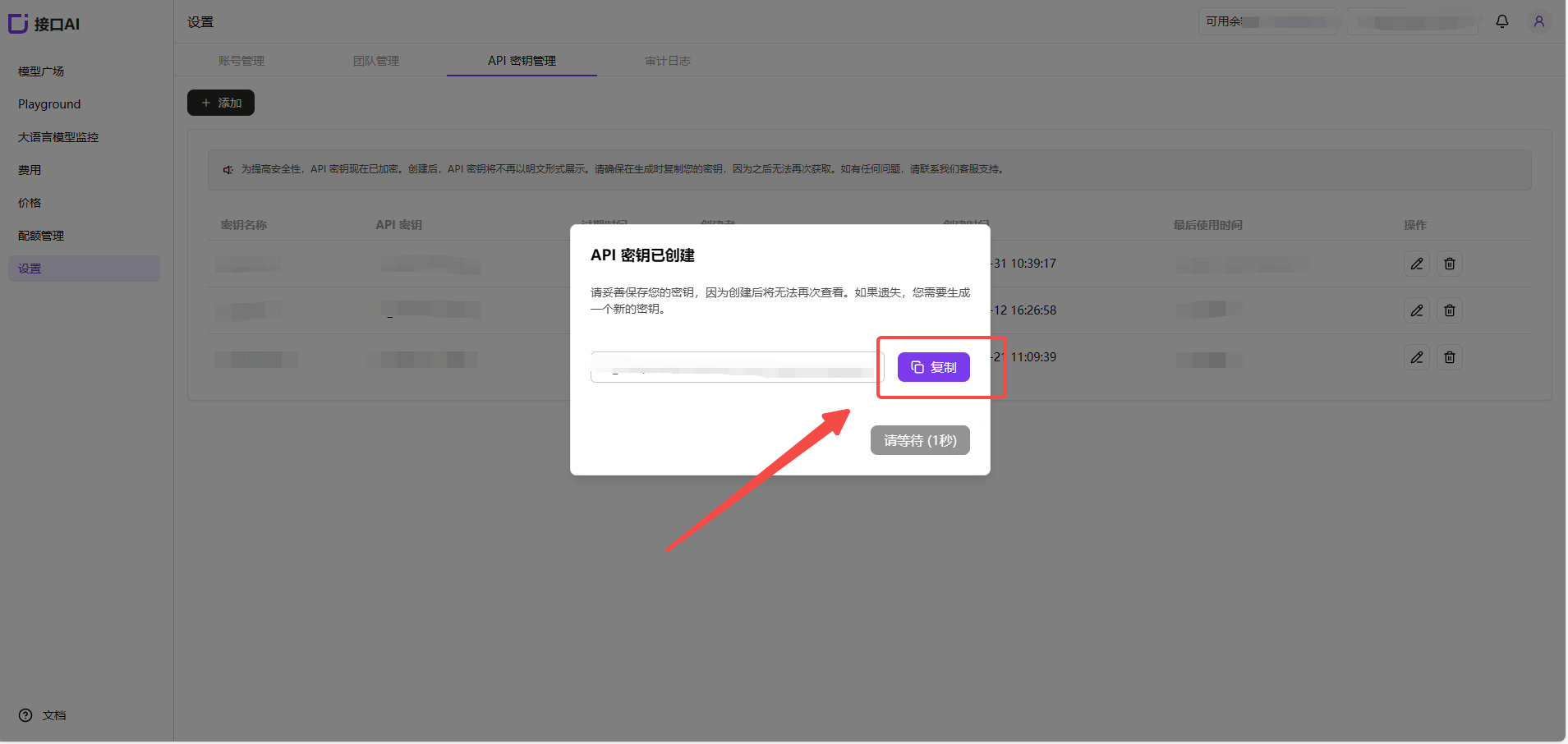
(3) Obtain the Model ID You Want to Use

Find the desired model in the Myrouter Model Hub and copy the model ID and base URL. Example Image6
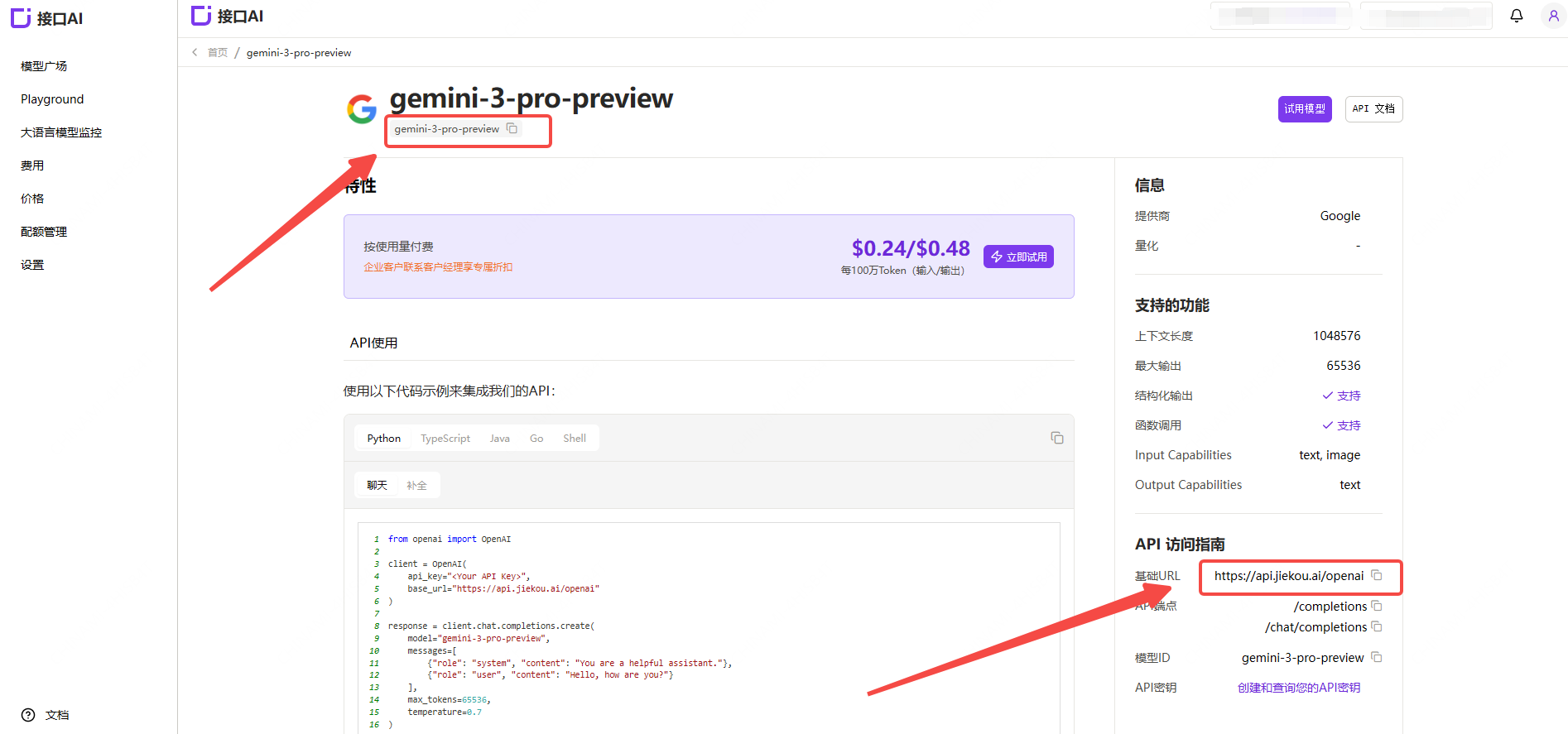
  • Gemini-3-pro-preview
  • Gemini-2.5-pro
  • Claude-sonnet-4-5
  • Gpt-5.1
  • Gpt-4o
For other model IDs, maximum context lengths, and pricing, refer to the Model Hub.

2. Install DeepSearcher

For detailed installation instructions, refer to: https://github.com/zilliztech/deep-searcher (1) Clone the repository
git clone https://github.com/zilliztech/deep-searcher.git
cd deep-searcher
(2) Create a virtual environment and activate it
#MAKE SURE the python version is greater than or equal to 3.10
python3 -m venv .venv
source .venv/bin/activate
(3) Install dependencies
pip install -e .

3. Modify the Example Code to Connect to Myrouter Models

The example code is located at examples/basic_example.py. You can use this example to run DeepSearcher. (1) Configure the API Key Set the API Key you just obtained as a local environment variable MYROUTER_API_KEY.
export MYROUTER_API_KEY="Your Myrouter API Key"
(2) Configure the LLM and Embedding Models Add the following code after the config = Configuration() line in the example code:
config.set_provider_config("llm", "JiekouAI", {"model": "claude-sonnet-4-5-20250929"})
config.set_provider_config("embedding", "JiekouAIEmbedding", {"model": "qwen/qwen3-embedding-8b"})
(3) Configure the file paths and prompt for retrieval Load files from a specified local path and store their contents in a collection. Modify the code where load_from_local_files is called. You can use the project-provided examples/data/WhatisMilvus.pdf file or your own files. To delete and recreate the collection each time, set force_new_collection to True.
load_from_local_files(
    paths_or_directory=os.path.join(current_dir, "data/WhatisMilvus.pdf"),
    collection_name="milvus_docs",
    collection_description="All Milvus Documents",
    force_new_collection=True, # If you want to drop origin collection and create a new collection every time,set force_new_collection to True
)
question="Write a report comparing Milvus with other vector databases."
(4) Run the example code from the project root directory:
python examples/basic_example.py